

scry-dosbox-x
Ask your AI client what a DOS program is doing, and it finds out: it stops the program, reads its memory and presses its keys.
Install · What you can ask · Demos · Reference

The Secret of Monkey Island under this server: the lookout answers as written, then with a line written over his script in memory.
| You ask | Make the lookout say "Nothing, if you're a Scry debugger." |
|---|---|
| Your client calls | write(ref="82DD:000C", data_hex="1c6e…6c61") |
| SCRY answers | {"bytes_written": 128, "verified": true} |
scry-dosbox-x is an MCP server for DOSBox-X, the DOS emulator. It gives your client a DOSBox-X held open at its debugger, so a question costs one call, not a boot.
Your client reads memory by your program's own symbol names, reads the log your program writes, sets breakpoints and watches, sends keys and mouse, and reads the screen. Replies carry their evidence: a write is read back, and a key press can say whether the program reacted.
The clip is the Monkey Island demo, which needs the game's disc. Your first question needs only this repository.
Install
You need git, uv and a DOSBox-X built with its debugger, on macOS or Windows.
$ git clone https://github.com/scry-mcp/scry-dosbox-x$ cd scry-dosbox-xAdd it to your client
Claude Code
Run this from the clone. --scope user makes the server available to you across all projects, and claude mcp list shows it.
$ claude mcp add --scope user dosbox-x -- uv run --directory "$PWD" scry-dosbox-xCodex
Run this from the clone. codex mcp list shows the server.
$ codex mcp add dosbox-x -- uv run --directory "$PWD" scry-dosbox-xClaude Desktop
In Settings, open the Developer tab and choose Edit Config, which opens claude_desktop_config.json; add this with the clone's absolute path. Then quit Claude Desktop completely and start it again.
{
  "mcpServers": {
    "dosbox-x": {
      "command": "uv",
      "args": ["run", "--directory", "/path/to/scry-dosbox-x", "scry-dosbox-x"]
    }
  }
}
Cursor
Put this in ~/.cursor/mcp.json to have the server everywhere, or in .cursor/mcp.json inside one project, with the clone's absolute path.
{
  "mcpServers": {
    "dosbox-x": {
      "type": "stdio",
      "command": "uv",
      "args": ["run", "--directory", "/path/to/scry-dosbox-x", "scry-dosbox-x"]
    }
  }
}
VS Code
Put this in .vscode/mcp.json in your workspace, with the clone's absolute path.
{
  "servers": {
    "dosbox-x": {
      "type": "stdio",
      "command": "uv",
      "args": ["run", "--directory", "/path/to/scry-dosbox-x", "scry-dosbox-x"]
    }
  }
}
Copilot CLI
Run this from the clone. copilot mcp list shows the server.
$ copilot mcp add dosbox-x -- uv run --directory "$PWD" scry-dosbox-xGemini CLI
Run this from the clone. --scope user keeps it in your own settings, and gemini mcp list shows it, disabled while the folder you are in is not trusted.
$ gemini mcp add --scope user dosbox-x uv run -- --directory "$PWD" scry-dosbox-xAntigravity
Put this in ~/.gemini/config/mcp_config.json for every workspace, or in .agents/mcp_config.json inside one, with the clone's absolute path.
{
  "mcpServers": {
    "dosbox-x": {
      "command": "uv",
      "args": ["run", "--directory", "/path/to/scry-dosbox-x", "scry-dosbox-x"]
    }
  }
}
Devin
Run this from the clone. --scope user keeps it in your own configuration, ~/.config/devin/mcp_config.json, and devin mcp list shows the server.
$ devin mcp add --scope user dosbox-x -- uv run --directory "$PWD" scry-dosbox-xAnother client
Any client that runs a local server over stdio starts this command, with the clone's absolute path.
$ uv run --directory /path/to/scry-dosbox-x scry-dosbox-xYour first question
It needs only Bricks, a small game this repository builds:
Start DOSBox-X on
demos/bricks/bricks.conffrom its folder, stopping at the program's ownint 3. Run to it and tell me where DOS loaded the program.
Your client calls start and resume, which stops at the program's own int 3 and gives its
address, whose segment is where DOS loaded it.
What you can ask
- "What is in this variable, this register, right now?"
read_memory,registers,disassemble. With your symbol table loaded you say_engine_set_rate, not00AF:0017A6EC. - "What did the program log?"
log,log_wait. A program that writes to port0xE9has a log the server can search and wait on. - "Who changes this variable?"
watch_add,breakpoint_at. Stop when it changes, count every value it takes, or record every write without stopping. - "What is on the screen?"
screen_view,screen_wait. The screen is read from video memory, as text or as a picture, with no window needed. - "What happens if I press this key?"
send_keys,send_mouse. Input goes in inside DOS, and withexpectthe reply says whether the program reacted. - "What did DOS and the hardware see?"
port,pic,guest_file. I/O ports, the interrupt controllers, and the files the program wrote.
See it run
Each demo is a demo.py that makes the calls a model would and checks every answer. Each
picture is the screen that run ended on, linked to its guide, where it moves.
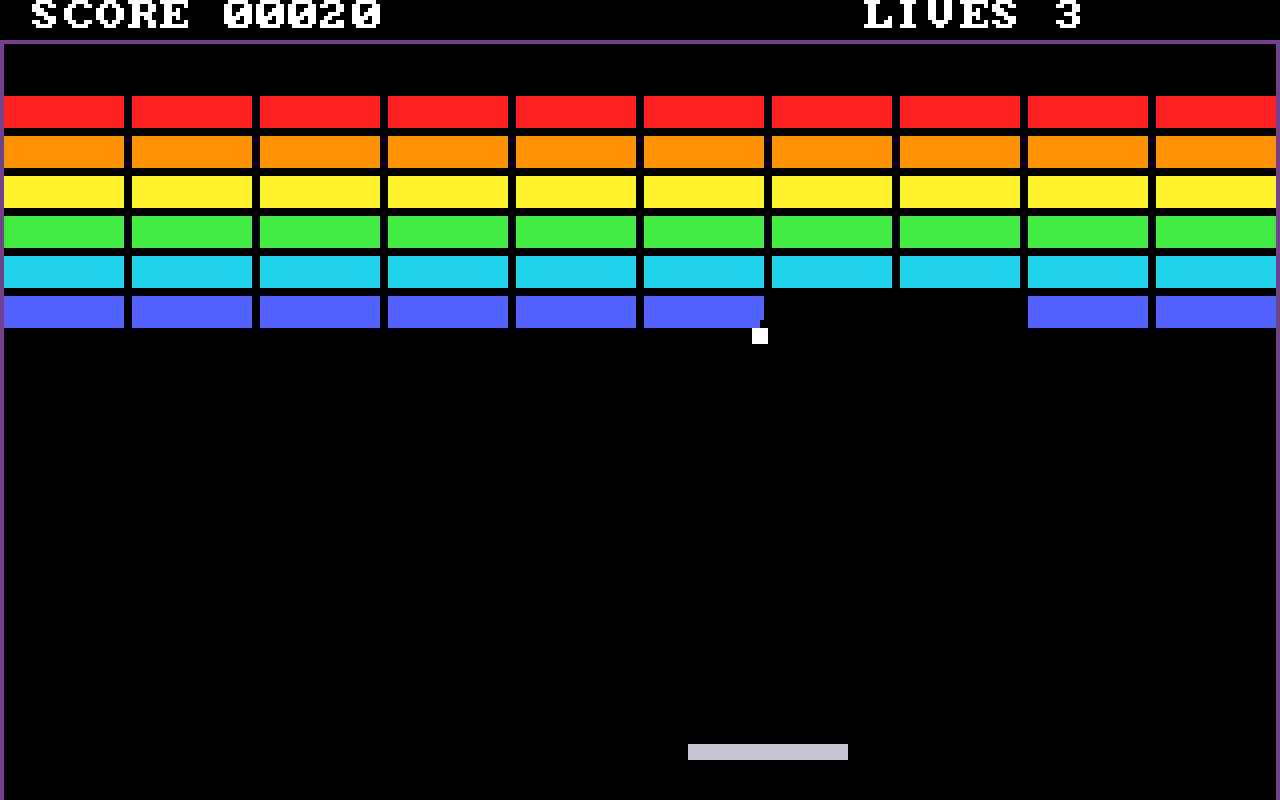
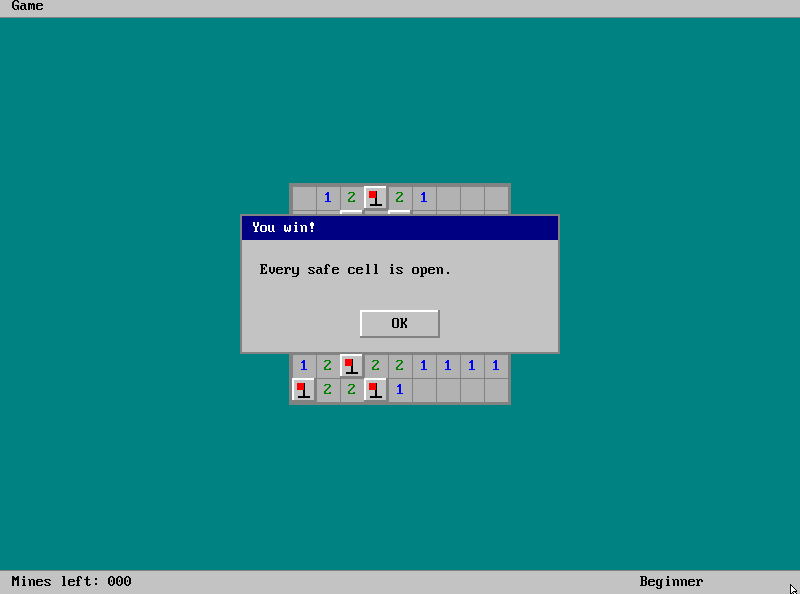
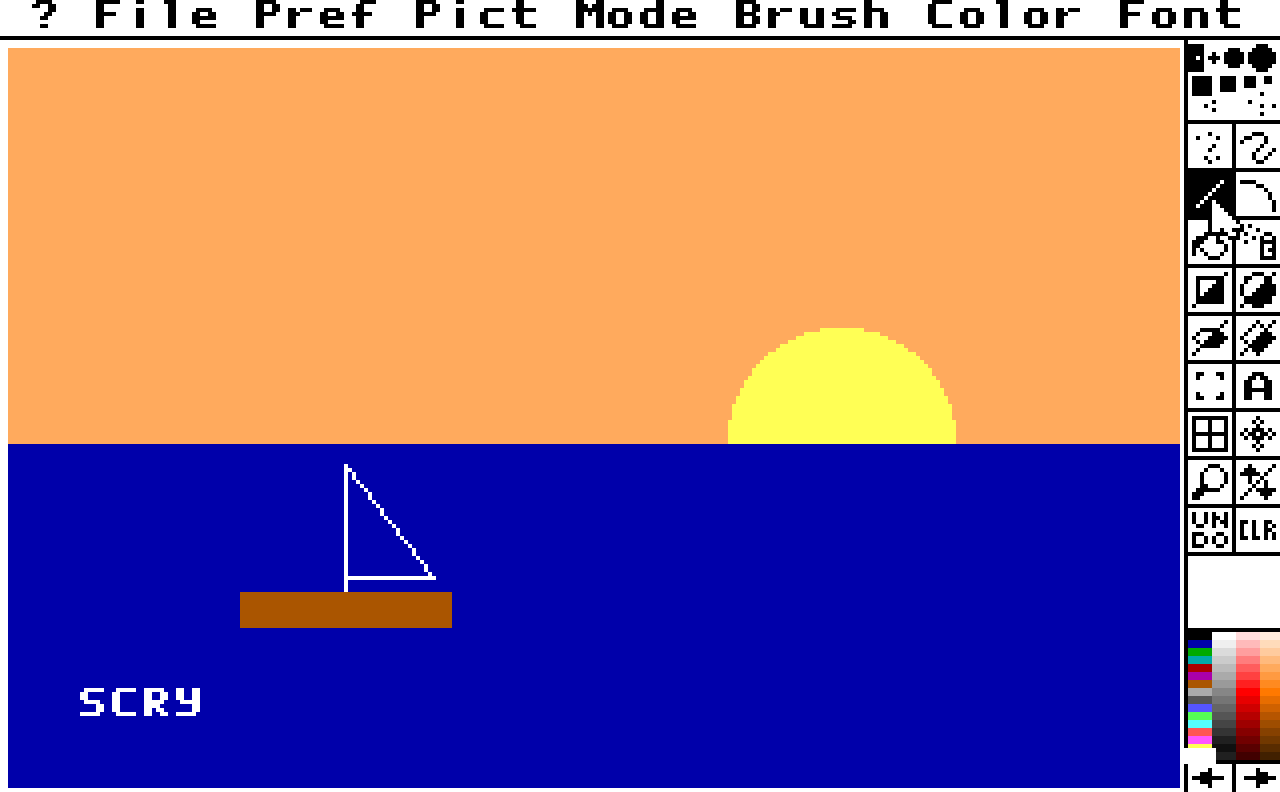
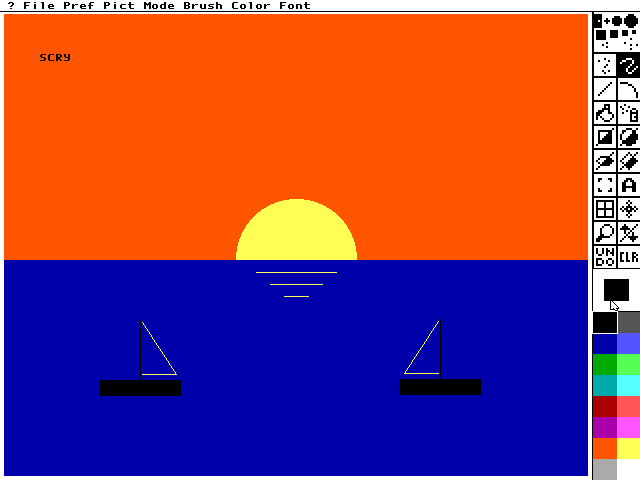
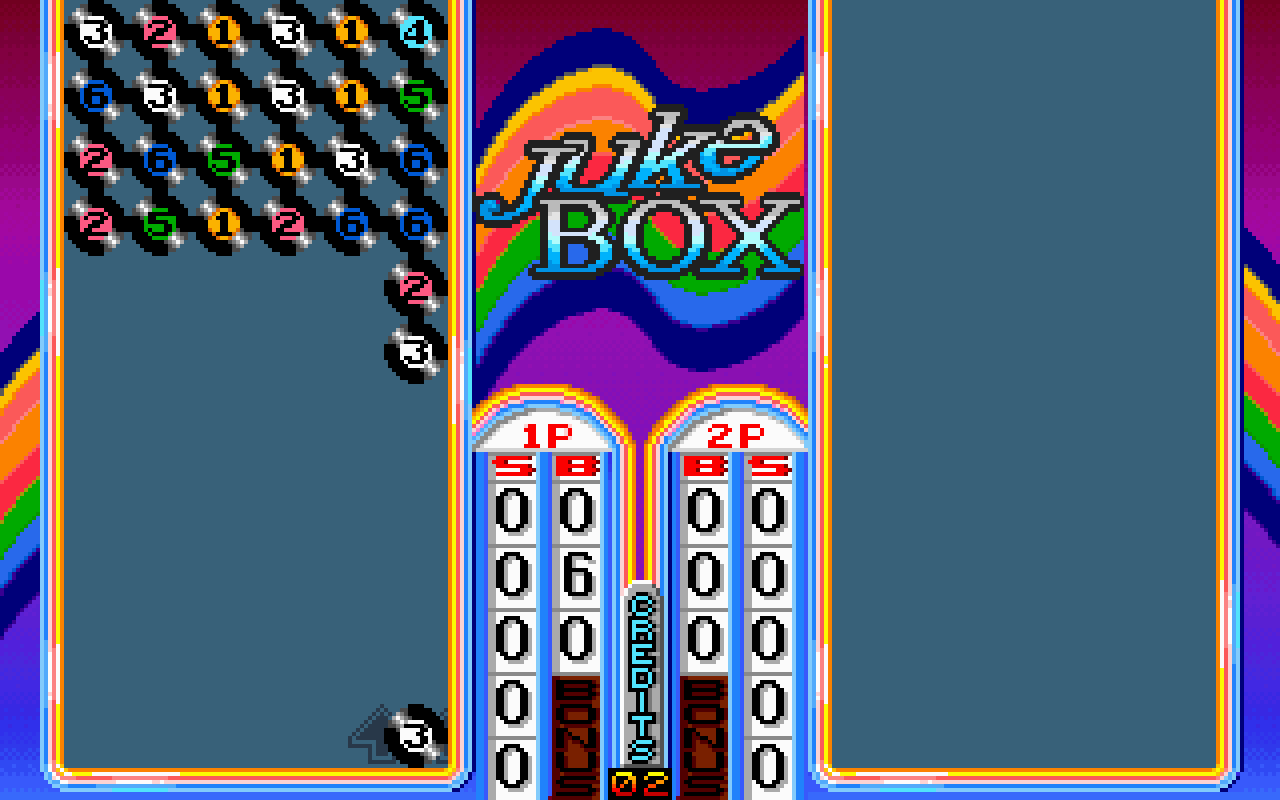
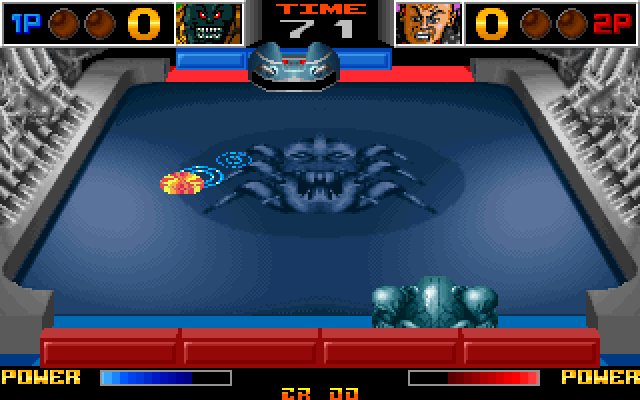
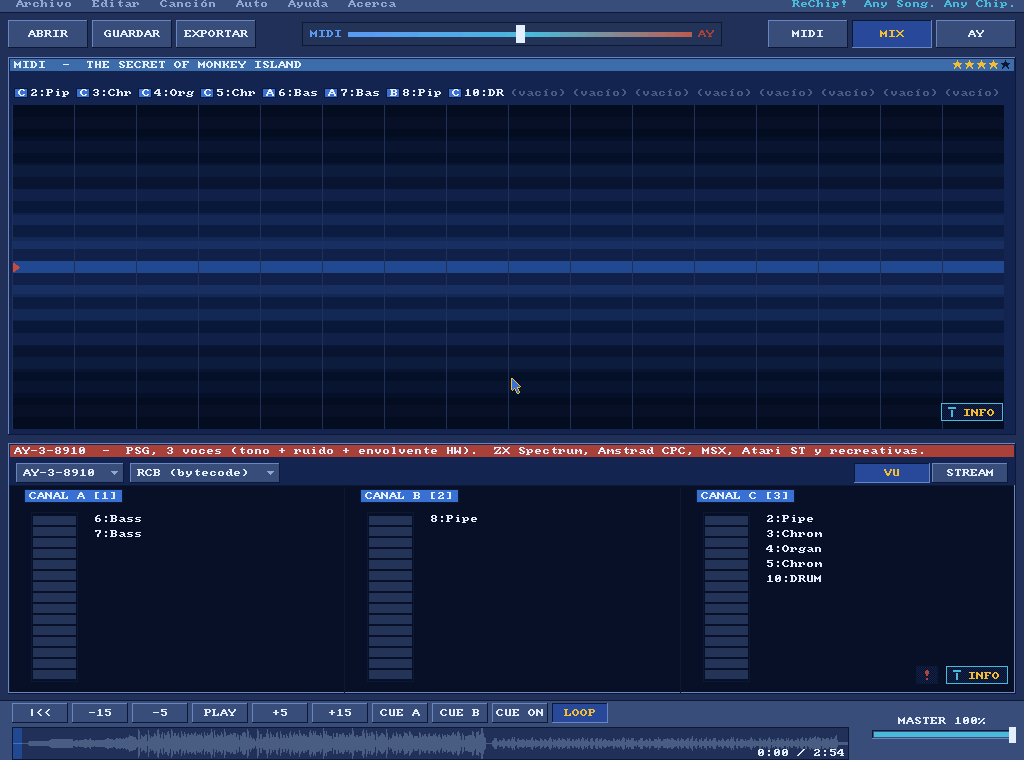
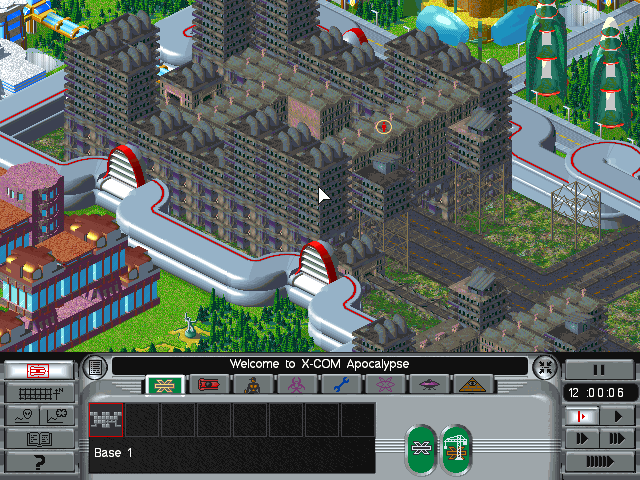
demos/bricks/: a breakout game this repository builds, stopped by name where each brick falls.demos/mines/: a Minesweeper this repository builds, its mines read out of memory and the board cleared without a miss.demos/dpaint/: Deluxe Paint II paints a sunset, and a scan finds the byte that holds its colour; it needs the program.demos/dpaint_maps/: Deluxe Paint II driven through its menus and a dialog, each picked by name; it needs the program.demos/monkey/: The Secret of Monkey Island, with the lookout's lines written into the game's memory while it is stopped; it needs the disc.demos/lineup/: LineUp, replayed from the list of steps in its.scry/folder; it needs a copy of the game.demos/speedf/: Speed Fight, started from a file in its.scry/folder; it needs a copy of the game.demos/rechip/: ReChip!, a tracker driven by its keys and read by its own log; it needs a copy of the program.demos/xcom/: X-COM Apocalypse, led through its menus by its own DOS calls and a screen map, every file it opens listed; it needs a copy of the game.
Bricks, step by step
These are steps of the Bricks demo, written here by the demo itself from its last run. Each follows the ones before it in the demo, whose guide has the whole prompt.
1. Set a breakpoint by a name
Ask:
Put a breakpoint on
brick_hit.
Call:
breakpoint_at(ref="brick_hit")Reply, 3 of 10 fields:
{
  "summary": "breakpoint_at brick_hit: armed",
  "entry": "BP 08DF:02C8",
  "by": "symbol"
}
brick_hit is a label of the symbol table the build wrote, so by says symbol. armed means the breakpoint is set in the debugger, at the address entry gives.
2. Run until the program stops itself
Ask:
Let the game run until that breakpoint stops it, and tell me the score.
Call:
resume(seconds=60)Reply, 3 of 16 fields:
{
  "summary": "resume: OTHER_STOP, stopped at 08DF:000002C8",
  "verdict": "OTHER_STOP",
  "cause": "breakpoint brick_hit (by symbol) at 08DF:000002C8"
}
OTHER_STOP means the breakpoint stopped the run, not a time limit. cause names it; the whole reply also holds watches, the score read by its name.
3. Read a value after a saved state is loaded
Ask:
Now that the state saved before the left arrow is loaded, read
paddle_xagain.
Call:
read_memory(ref="paddle_x", length=2)Reply, 2 of 7 fields:
{
  "summary": "read_memory paddle_x: 2 bytes at 08DF:0000061F: dc00",
  "hex": "dc00"
}
A saved state is the whole machine, not the game's own save. So the paddle reads where it was before the arrow moved it.
Set up SCRY in your own project
Ask your client to start your own program with conf, cwd and a logfile for its log.
Every path you give is absolute or starts with ~, and your conf needs
bochs debug port e9 = true for that log to exist.
To keep what a session learned with your repository, ask it to promote what is worth keeping.
promote(dry_run=true, root=<your repository>) lists what it would create. Once you approve,
the same call with entries creates a .scry/ folder with them; it writes nothing before
that.
scry-core's page on that folder says what is in it.
Platforms
macOS and Windows: the server and its tests run on both. Linux runs the unit tests
(.github/workflows/ci.yml) and nothing else.
startruns the DOSBox-X itsbinaryargument names, elseDOSBOX_X_BINARY, else thedosbox-xon yourPATH.build_checksays whether a build has the debugger.- What a session can do depends on the debugger commands its build has, and
build_checklists them. A tool whose command is missing says so and does nothing. - Which tool needs which command is the debugger commands table.
- On Windows the emulator runs in a console of its own, hidden.
The tools
The tools by group, each with its arguments, its reply and a real example, are in the index at
the top of REFERENCE.md. Every reply opens with a one-line summary and ends
with a session block that says whether anything was written to the machine.
A file a tool writes is named by one rule, and the reply names the file as written.
Going further
- REFERENCE.md has what the groups of tools share, and links each group's page.
- To watch a program run,
starttakesshared,display,fullscreenandsize; its page covers each. - CONTRIBUTING.md is for changing the server: its checks, and what proves a change.
- What this server shares with the other SCRY server lives in scry-core, pinned by tag.
Licence
MIT. See LICENSE.
Credits
Developed by Optimiza (Marcos Hernández), in collaboration with MS-DOS Club and its podcast.