Bricks: a breakout game stopped at every brick it loses
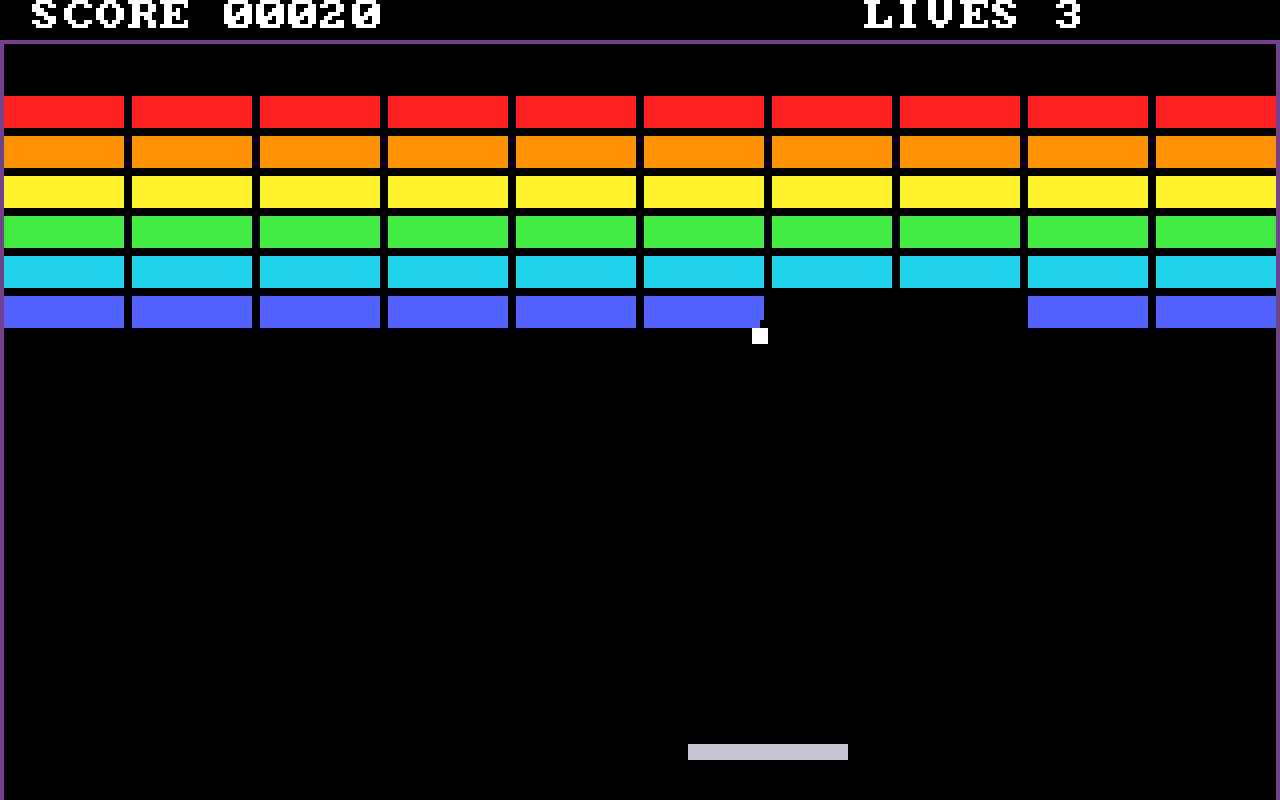
BRICKS.COM is a wall, a ball and a paddle, written in this folder to be debugged as much as
played. This demo stops it by name where each brick falls, reads the score, takes the paddle
with keys and with the mouse, and undoes a move with a saved state.
What you are watching
- With the breakpoint cleared the game plays on, and
recordfilms it.
The program
Everything it needs is here: the source (bricks.asm, MIT like the rest of the repository),
the program built from it, its symbol table and the conf that starts it. The header of
bricks.asm says how to build it.
The game has no random number in it, and its conf fixes the emulator's speed. So two runs knock down the same bricks on the same frames.
Run it
$ uv run python demos/bricks/demo.pyEach line it prints is one call and its check. The window opens behind the others, so the run does not take your keyboard.
--binary PATH(absolute or~-led) picks the DOSBox-X to start. Left out, it isDOSBOX_X_BINARY, else thedosbox-xon yourPATH.--display Nopens the window on that display. Left out, it opens on the main one.--transcript PATHmoves the whole transcript; the run's other files go beside it.--update-readmerewrites this page's generated parts,TRANSCRIPT.md,screen.png,loop.webpand the README's example calls, from a run where every step passed. It needs ffmpeg andimg2webpon yourPATH.
Exit codes: 0 every step passed, 1 a step failed, 2 a usage error, 3 nothing was demonstrated. That last one is a relative path or a server that did not start.
The saved states need a DOSBox-X that has the SAVESTATE and LOADSTATE debugger commands (REFERENCE.md, Saved states).
To play it yourself: cd demos/bricks && dosbox-x -conf bricks.conf. The arrows move the
paddle and SPACE serves the ball. M hands the paddle to the mouse, and ESC returns to DOS.
Try it yourself
Add the server to your client and ask it to start DOSBox-X on demos/bricks/bricks.conf. Each of these is a step of
the demo, in the order the demo makes them.
Put a breakpoint on brick_hit.
breakpoint_at(ref="brick_hit"){
"summary": "breakpoint_at brick_hit: armed",
"entry": "BP 08DF:02C8",
"by": "symbol"
}brick_hit is a label of the symbol table the build wrote, so by says symbol. armed means the breakpoint is set in the debugger, at the address entry gives.
The whole reply
{
  "summary": "breakpoint_at brick_hit: armed",
  "status": "ok",
  "ref": "brick_hit",
  "by": "symbol",
  "role": "stop",
  "stored": true,
  "armed": true,
  "state": "armed",
  "entry": "BP 08DF:02C8",
  "session": {"alive": true, "running": false, "altered": false}
}Let the game run until that breakpoint stops it, and tell me the score.
resume(seconds=60){
"summary": "resume: OTHER_STOP, stopped at 08DF:000002C8",
"verdict": "OTHER_STOP",
"cause": "breakpoint brick_hit (by symbol) at 08DF:000002C8"
}OTHER_STOP means the breakpoint stopped the run, not a time limit. cause names it; the whole reply also holds watches, the score read by its name.
The whole reply
{
  "summary": "resume: OTHER_STOP, stopped at 08DF:000002C8",
  "status": "ok",
  "verdict": "OTHER_STOP",
  "omitted": ["output", "output_chars", "clipped"],
  "how": "detail=True adds what the debugger printed for this command",
  "waited_s": "<volatile>",
  "pc": "08DF:000002C8",
  "cpu_mode": "real",
  "frame": 36,
  "regs": {
    "EAX": "0x00000005",
    "EBX": "0x00000707",
    "ECX": "0x005b0020",
    "EDX": "0x00000000",
    "ESI": "0x00000039",
    "EDI": "0x000064e4",
    "EBP": "0x0000091c",
    "ESP": "0x0000fffa",
    "EIP": "0x000002c8",
    "CS": "0x08df",
    "DS": "0x08df",
    "ES": "0xa000",
    "FS": "0x0000",
    "GS": "0x0000",
    "SS": "0x08df"
  },
  "watches": [
    {
      "ref": "score",
      "by": "symbol",
      "mode": "show",
      "length": 2,
      "fmt": "u16",
      "state": "evaluated",
      "value": 0,
      "bytes": "0000"
    }
  ],
  "cause": "breakpoint brick_hit (by symbol) at 08DF:000002C8",
  "e9": {"lines_total": 0, "truncated": false, "lines": [], "mark": "<volatile>"},
  "stop_seq": 3,
  "instruction": {
    "address": "08DF:000002C8",
    "bytes": "88DF",
    "text": "mov bh, bl",
    "flow": "sequential",
    "code_bits": 16,
    "bytes_from": "memory",
    "symbol": "brick_hit",
    "delta": 0
  },
  "session": {"alive": true, "running": false, "altered": false}
}Now that the state saved before the left arrow is loaded, read paddle_x again.
read_memory(ref="paddle_x", length=2){
"summary": "read_memory paddle_x: 2 bytes at 08DF:0000061F: dc00",
"hex": "dc00"
}A saved state is the whole machine, not the game's own save. So the paddle reads where it was before the arrow moved it.
The whole reply
{
  "summary": "read_memory paddle_x: 2 bytes at 08DF:0000061F: dc00",
  "status": "ok",
  "ref": "paddle_x",
  "seg_off": "08DF:0000061F",
  "length": 2,
  "hex": "dc00",
  "session": {"alive": true, "running": false, "altered": true}
}
The whole demo as one prompt
- Start DOSBox-X windowed on
demos/bricks/bricks.conffrom its directory, stopping at the program's ownint 3, with the log in a file. - Let it run to that first stop and tell me where DOS loaded the program.
- Load
bricks.symwith its base at that segment, show me the start ofbrick_hit, put a breakpoint on it and keepscorein view at every stop. - Run to the first brick and to the second: which row and column, and what is the score?
- Read
scoreby name, clear the breakpoint, run three frames, tell me where the ball is and show me the screen. - Record 240 frames to an AVI, let the game run, press the right arrow three times and show me the game took them.
- Stop it and read
paddle_x. Let it run, press M, put the pointer on pixel 240, 100, and press M again. - Stop and read
paddle_x. Let it run, save a state, press the left arrow, load the state, stop, and readpaddle_xagain. - Let it run, press SPACE to serve the ball, clear the watch and close.
Tools this demo uses
| Group | Tools |
|---|---|
| Session | start, close |
| Run | resume, run_for, stop |
| Names | symbols_load |
| Read | disassemble, read_memory |
| Breakpoints | breakpoint_at, watch_add, declaration_clear |
| Input | send_keys, send_mouse |
| Sequences | drive |
| States | state_write |
| Screen | screen_view |
| Captures | record |
Each group is a page of the reference. Some of the names need a word:
- Run: the tools that let the program run and stop it again.
- Breakpoints: breakpoints and watches.
- Sequences: the tools that run several calls as one.
- Names: the tool that loads a symbol table.
The transcript
TRANSCRIPT.md has every call of the run with its reply. Process ids, ports,
wall-clock times and temporary paths read <volatile> there, because they change from run to
run.
More demos
 Monkey IslandThe Secret of Monkey Island, with the lookout's lines written into the game's memory while it is stopped; it needs the disc.DOSBox-X
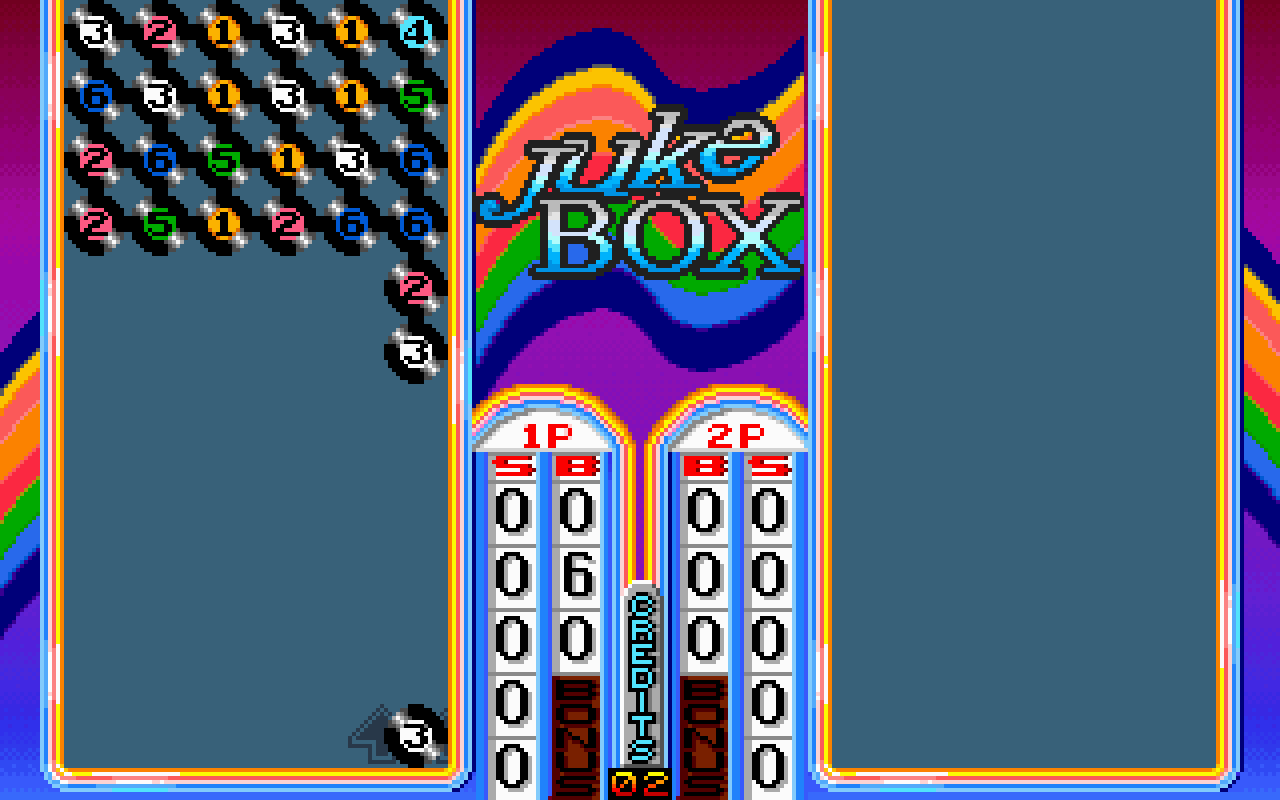
 LineUpThe arcade LineUp, from the game's own ROM set, played by its own routine and variable names.DOSBox-X · MAME
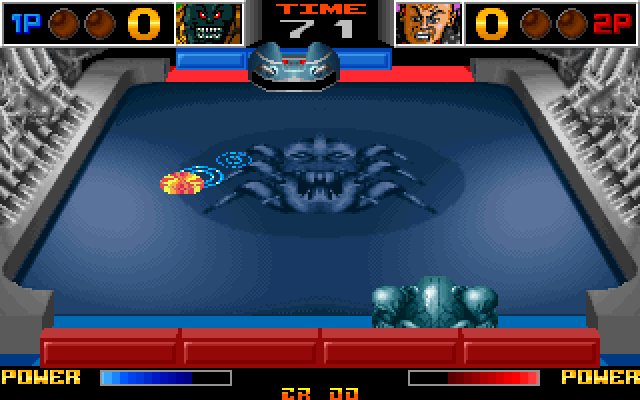
 Speed FightThe arcade Speed Fight, from a copy of the game, started from a file in its
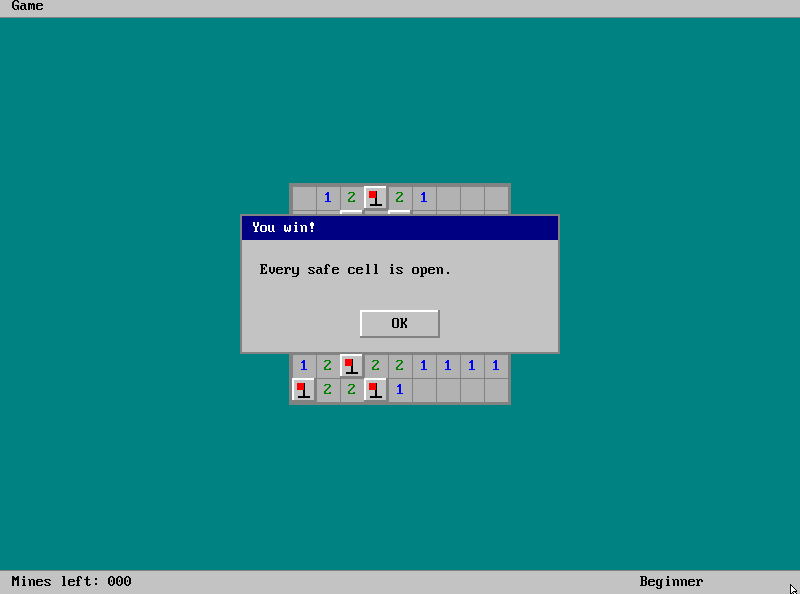
.scry/folder.DOSBox-X · MAME MinesweeperA Minesweeper this repository builds, its mines read out of memory and the board cleared without a miss.DOSBox-X
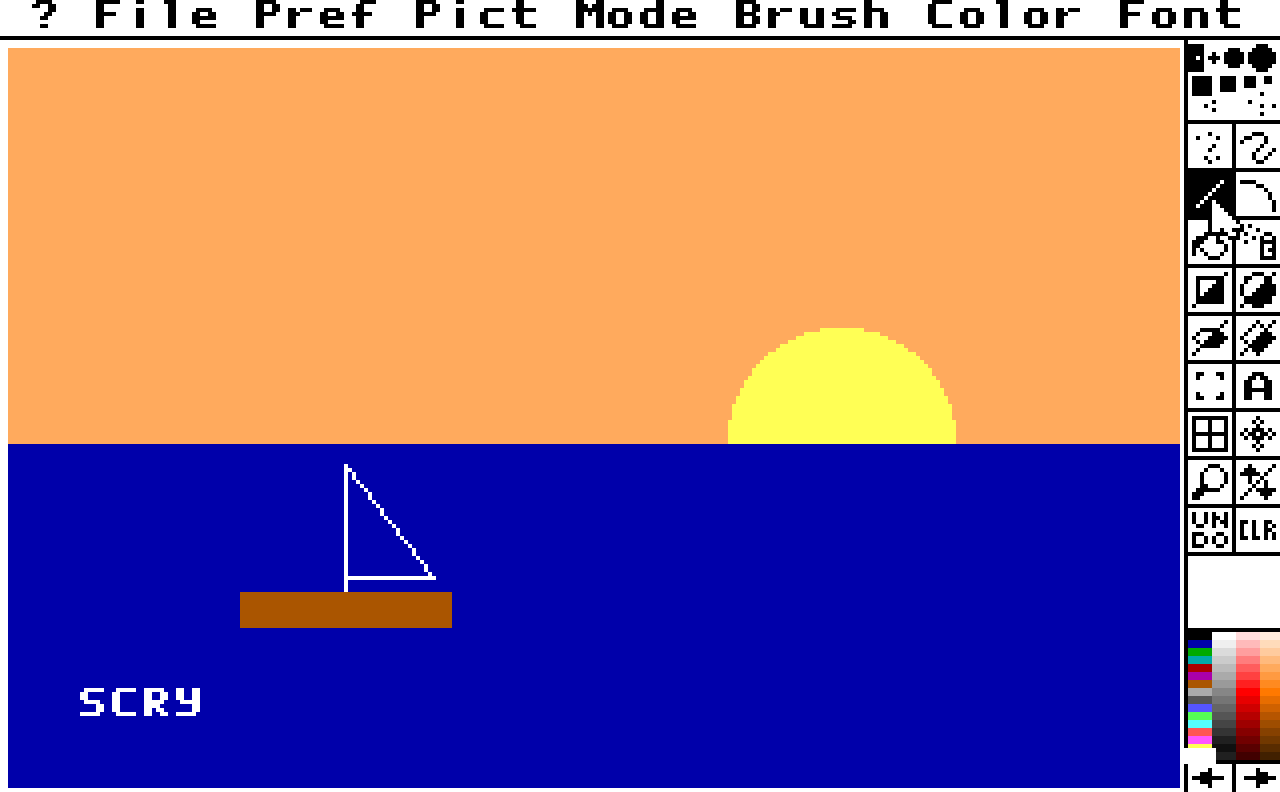
 Deluxe PaintDeluxe Paint II paints a sunset, and a scan finds the byte that holds its colour; it needs the program.DOSBox-X
 Deluxe Paint by its menusDeluxe Paint II driven through its menus and a dialog, each picked by name; it needs the program.DOSBox-X
 ReChip!ReChip!, a tracker driven by its keys and read by its own log; it needs a copy of the program.DOSBox-X
 X-COM ApocalypseX-COM Apocalypse, led through its menus by its own DOS calls and a screen map, every file it opens listed; it needs a copy of the game.DOSBox-X